Step 1: Login to my.amrita.edu using your university E-mail id (example: cb.en.p2aie22015@cb.students.amrita.edu)
Step 2: Successful login should redirect to Student Portal, as shown below.
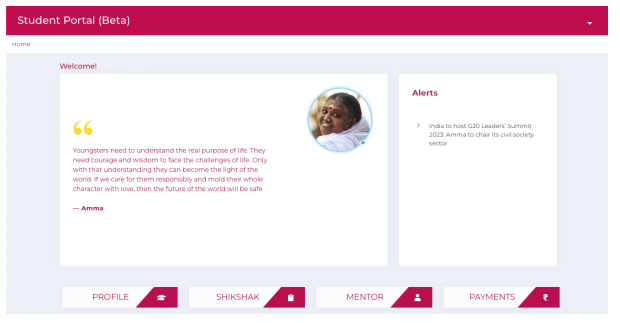
Step 3: Click on Payments, and if you have pending payments click on proceed to payment.

How to make payments through Student portal
muruga_p edited 2 years agoNo Revisions
Title
Enter title for the new Wiki Group